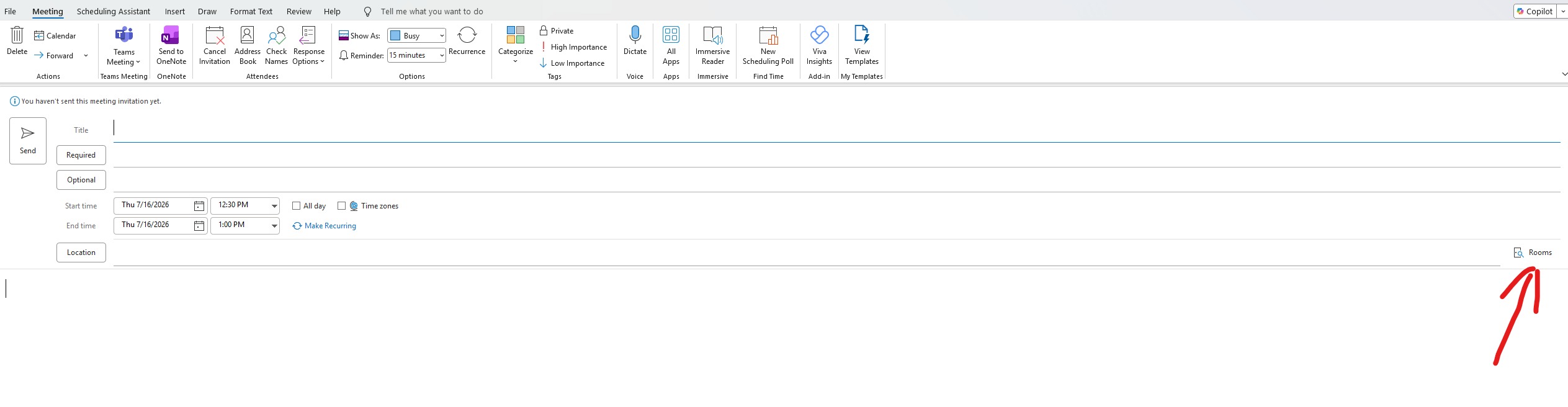
Create a new meeting and set your date/time for the meeting, then click 'Rooms' at the end of the 'Location' setting:
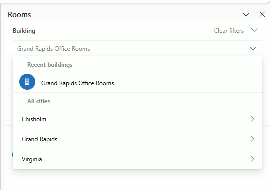
Click the dropdown to select which location has the conference room you want to book:
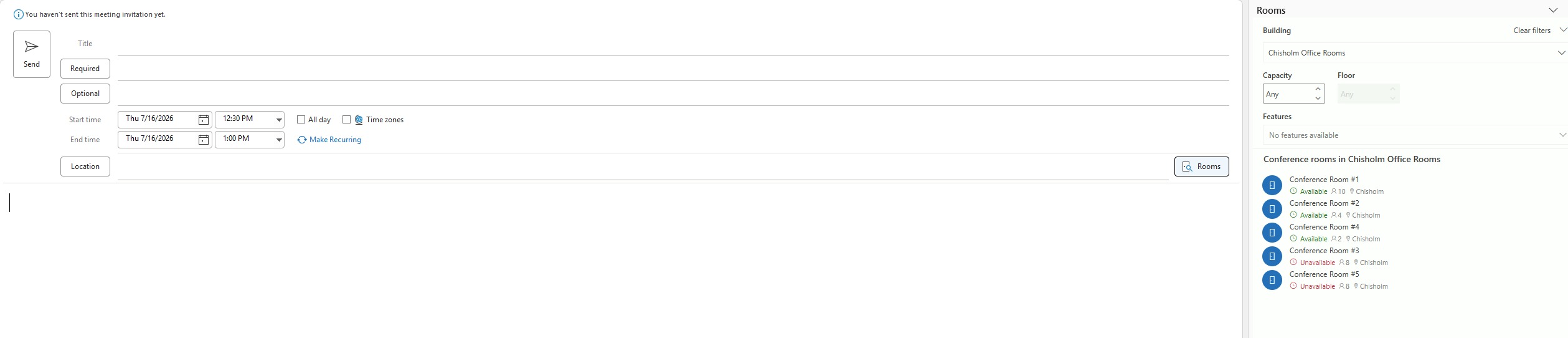
The room finder will show which conference rooms are available based on your date/time and capacity selections. Choose which one you want to use and it will be booked with your meeting:
Was this article helpful?
That’s Great!
Thank you for your feedback
Sorry! We couldn't be helpful
Thank you for your feedback
Feedback sent
We appreciate your effort and will try to fix the article